Group Related Titles
Put seasons, regions, or courses on one shelf so people stop hunting separate links.


Digital Bookshelf Maker
Put related flipbooks on one branded shelf. Readers browse covers, open the right title, and you share one library link instead of a folder of URLs.
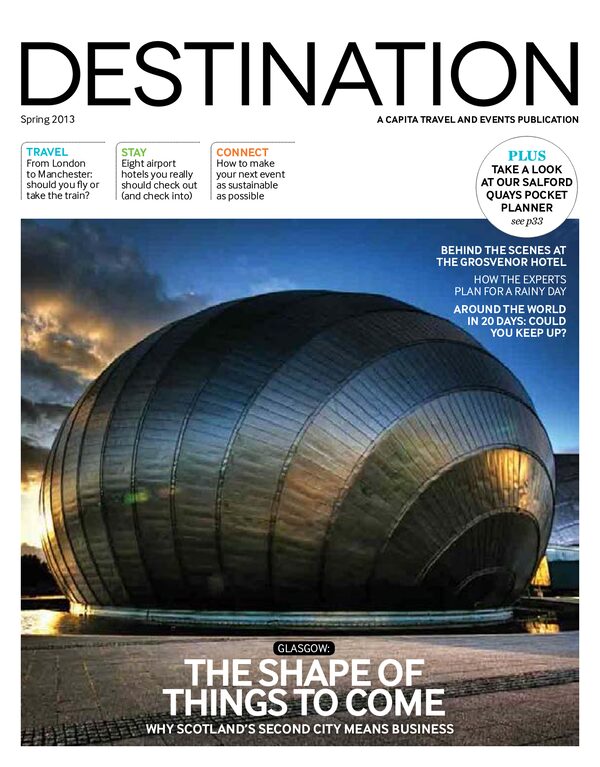

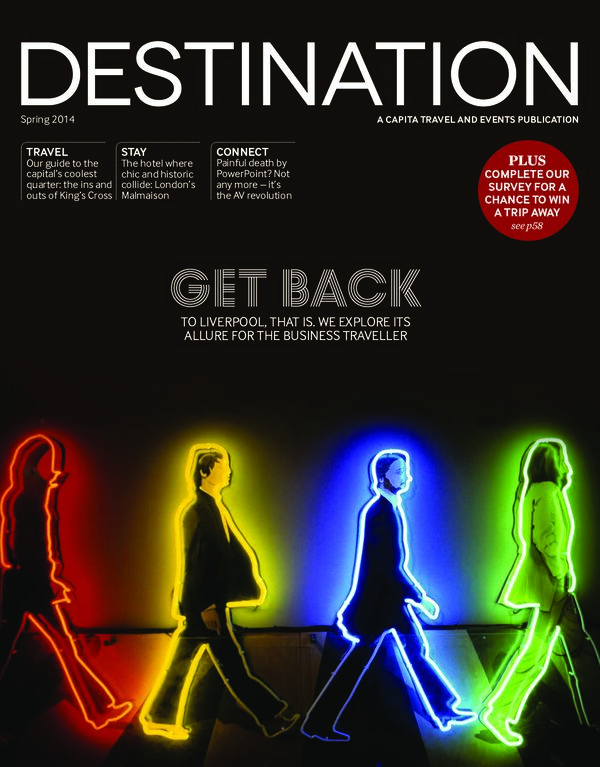


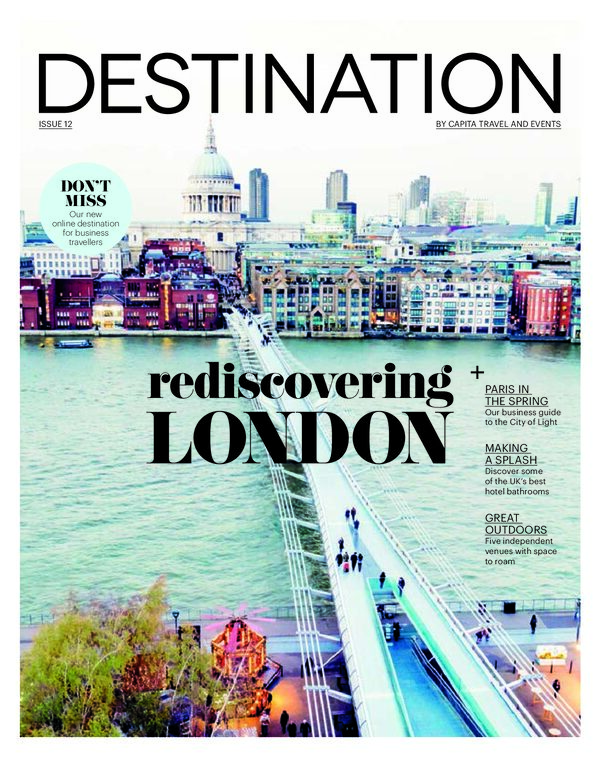
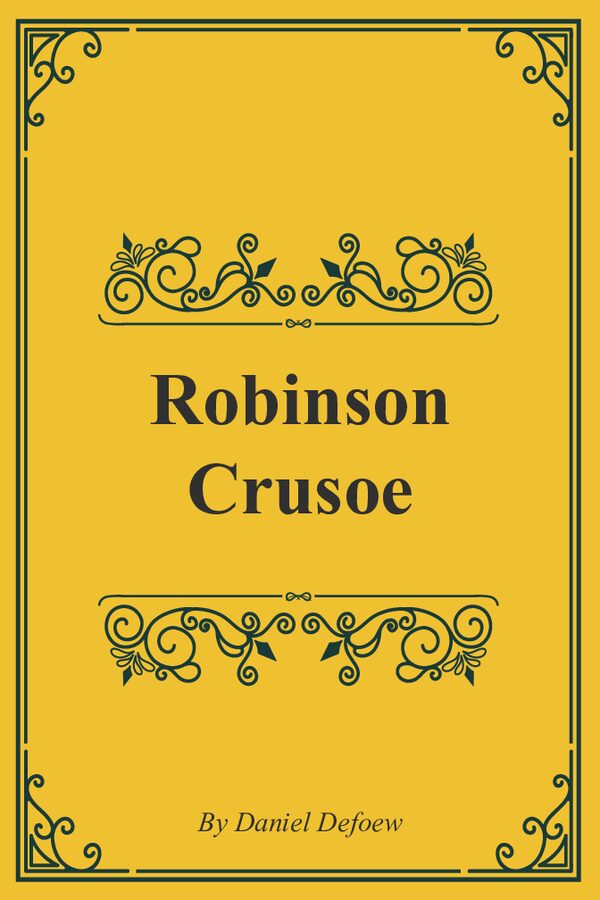
Live sample
This is the same classic library as on our examples page. Click a cover to open the book.
















From many links to one shelf
One flipbook link is fine for a single issue. A season, a region, or a training set needs a shelf people can browse.

Upload each PDF and brand the books as you already do.

Add titles to a bookshelf, set the look, and match your logo and colors.

Send the shelf URL or embed it. Add or replace a book later without a new page.
A digital bookshelf is the library around your books. See live shelves on our bookshelf flipbook examples, then embed the shelf on your website or publish it on a custom web address.
One place to browse
A bookshelf should feel like a library, not a list of files. Covers do the work. The click opens the flipbook.
Put seasons, regions, or courses on one shelf so people stop hunting separate links.
Logo, colors, and shelf style make the collection look like your site.
Place the library on a landing page. Visitors browse covers without leaving your domain.
Password a client or staff library and leave a public shelf on the brand site.
Use the digital bookshelf for the library, website embed for the public page, and a password when the collection is for trade or internal readers only.
What sits on the shelf
A bookshelf is the library. Each flipbook on it can still carry tags, video, and forms. Start with the collection, then enrich the titles that need it.
From a book to a page
Inside a title, send readers to a product page, a booking form, or the next issue.

Shop from a catalog on the shelf
A catalog in the library can still open a shop card on the page.

Media in the title
A magazine or brochure on the shelf can still play a clip on the spread.

More frames in the book
Open extra photos from a title without leaving the flipbook.

Capture from a title
Collect a subscribe or a request on a book that sits on the public shelf.

Notes on the page
Keep specs or credits one tap away inside any book on the shelf.

Why teams switch
You keep the flipbooks you already published. Readers get one place to browse the set.
Share the shelf. People pick a cover instead of asking which PDF to open.
Logo, colors, and shelf style match the rest of your site.
Place the library on a landing page or a portal.
Password a client set. Leave a brand archive open.
Publish a new issue and put it on the same shelf. The library URL stays.
Covers and the book both adapt. No zip of files.
Statistics on each flipbook show what the shelf actually delivers.
Built for libraries
The goal is a collection people can browse, without ads on the covers.
Readers see your covers and your brand. Nothing else competes.
A modern concrete shelf for travel titles. A wood shelf for a classic library.
Tags, video, and forms still live on each flipbook. The shelf is the front door.
Send the library link, drop an iframe, or publish on a short iflip.page path.
Keep a dealer or staff shelf closed. Leave a public archive open.
Catalogs, magazines, reports, and ebooks can sit on the same library.
Bookshelf questions
It is a branded library of your flipbooks. Readers browse covers on a shelf, then open a title. You share one library URL instead of many book links.
A flipbook is a single title. A bookshelf is the collection. Use a book for one catalog or issue. Use a shelf when people need to pick among several.
Yes on paid plans. Place the live shelf on a landing page the same way you embed a single flipbook.
Yes. Keep a client or internal library private and leave a public shelf on your site.
Yes. Any flipbooks you publish can sit together. Group them in a way that helps the reader.
Publish the new flipbook, add it to the shelf, and the library link stays the same.
Yes. Covers and the open book both adapt. Readers do not download a folder of files.
The shelf and this page can target phrases like digital bookshelf maker. Embed the library on a page you write for search, then let the covers send people into each book.
Create an account, publish a few flipbooks, add them to a bookshelf, brand the shelf, then share or embed. A free trial lets you build the first library.


