

Turn Your PDF into an
Interactive Digital Flipbook
Enhance your audience experience by adding a realistic page flip effect when you convert PDF to flipbook.
Drag and drop the PDF to convert
or click to browse your files
Upload Select your PDFAlmost there
Sign up to publish your flipbook
Create a free account to save, customize, share, or download. Your PDF stays ready in the dashboard.
Preview ready
Ready to publish
Continue to your dashboard to upload and publish this flipbook. Your file is ready to go.


From PDF to flipbook
Make a Flipbook Online in Minutes
Upload your file, brand it, add interactivity, and publish. Most people go live in minutes. No design skills required.
-
 01
01Upload your PDF
Drop in a PDF, Word, PowerPoint, or Excel file. We prepare it for flipping.
-
 02
02Brand & Enrich
Pick a style, add your logo, and place hotspots, videos, and links on the page.
-
 03
03Publish & Share
Get a live link, embed it on your site, or download HTML to share.


Free trial · Live in Minutes
Interactive pages
Enrich with Interactive Elements
Add videos, links, galleries, shops, forms, and more directly on the page.
Page videos
Bring pages to life with video
Place YouTube, Vimeo, or MP4 as a play icon or an in-page video box. Readers watch without leaving the flipbook.
- Play icon or embedOpen in a lightbox, or play inline in a drawn box.
- YouTube, Vimeo & MP4Autoplay, mute, and controls stay under your control.

Links & buttons
Make any page area clickable
Add invisible links, branded buttons, and pulse markers. Guide readers to the next action without leaving the page.
- HotspotsTurn a photo, logo, or headline into a tap target.
- Buttons & pulsesClear CTAs that match your brand colors and style.

Photo tours
Turn pages into photo tours
Add pulse camera icons or in-page galleries. Readers explore more shots without leaving the flipbook.
- Pulse photo iconsTap to open a lightbox with swipe and arrows.
- On-page galleriesUp to five images in a carousel readers can enlarge.

Animated GIFs
Guide attention with motion
Looping GIF stickers from a library or your own upload. Place arrows, taps, and pulses where you need them.
- GIF libraryReady-made stickers for callouts and “look here.”
- Your own GIFUpload a transparent GIF and place it exactly.

Product tags
Shop right from the page
Tag products with pulse markers or invisible areas. Readers open a card with photos, price, and a buy link.
- Product pop-upsName, gallery, and a Visit website button.
- Price & discountsShow regular and sale prices before they buy.

Lead form
Collect leads as they read
A branded form on any page for emails, phone numbers, and custom fields as readers engage.
- Show on any pageCover, mid-spread, or a high-intent moment.
- Export & follow upReview leads and download CSV anytime.

Page audio
Add sound to any page
Upload an MP3 and place a speaker icon. Readers tap to listen, with an optional mini player for progress.
- MP3 uploadVoiceovers, music, or page sound with your book.
- Autoplay & loopStart when the page opens; show or hide the player.

Info popup
Explain more on the page
A “?” marker or invisible hotspot opens a clean card with title, description, photos, and a link.
- Info markersPulse icons or hit zones over what needs a note.
- Optional CTAAdd a Learn more button to any URL you choose.

PDF Flip Examples
After you publish
Download & Host, Share & Measure
Host on your site, embed anywhere, use a branded address, share with advanced options, and track statistics and leads.


Download the flipbook HTML and host it on your own website or a client site, with full control of the files.
Paste a simple embed code into any page so readers open and flip through your publication without leaving your site.
On Professional, publish from a branded hub such as iflip.page/company_name/ so every flipbook shares one short, memorable address.
See views, page engagement, reading time, PDF downloads, and collected leads together so you know what performs and who to follow up with.
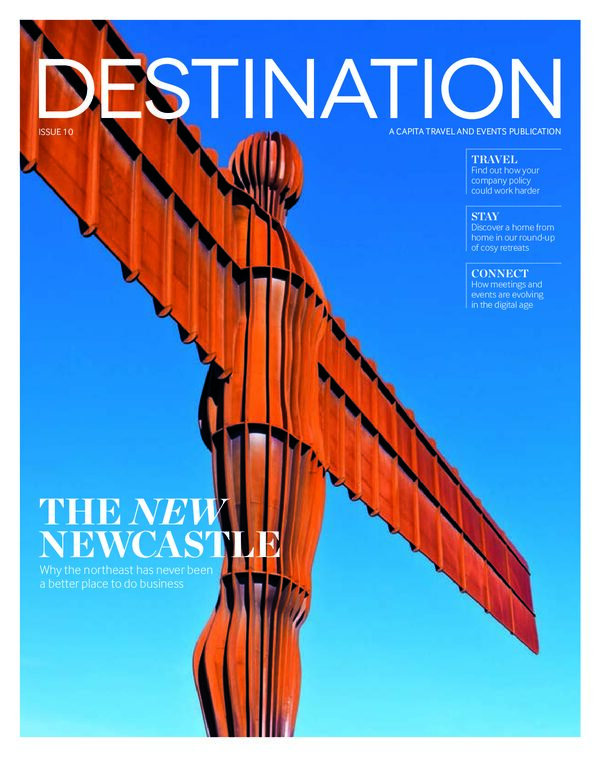
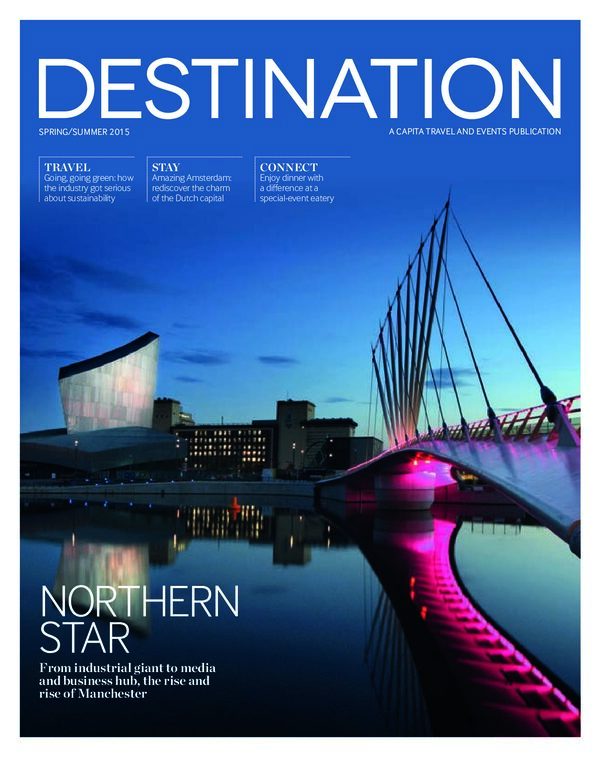
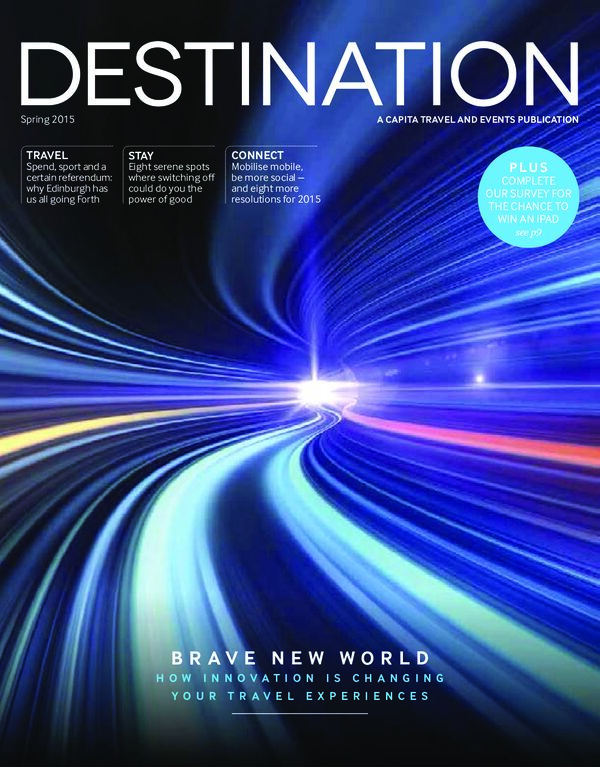
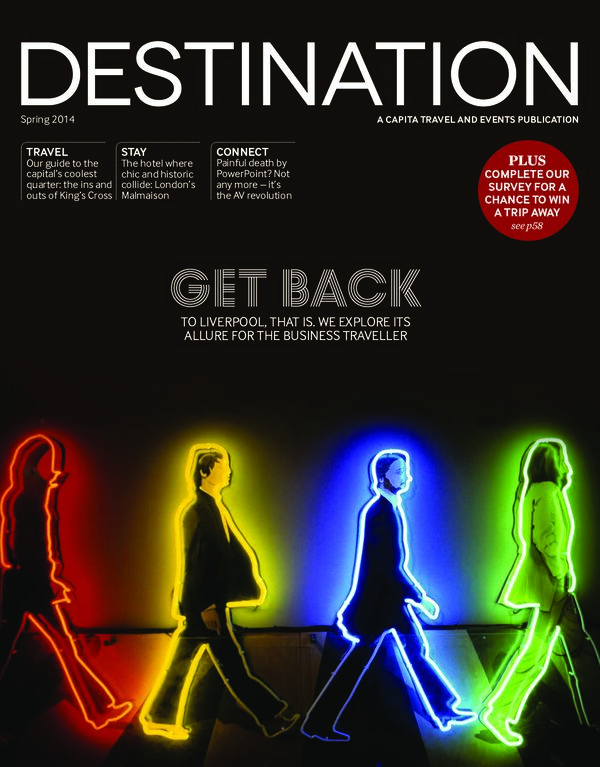
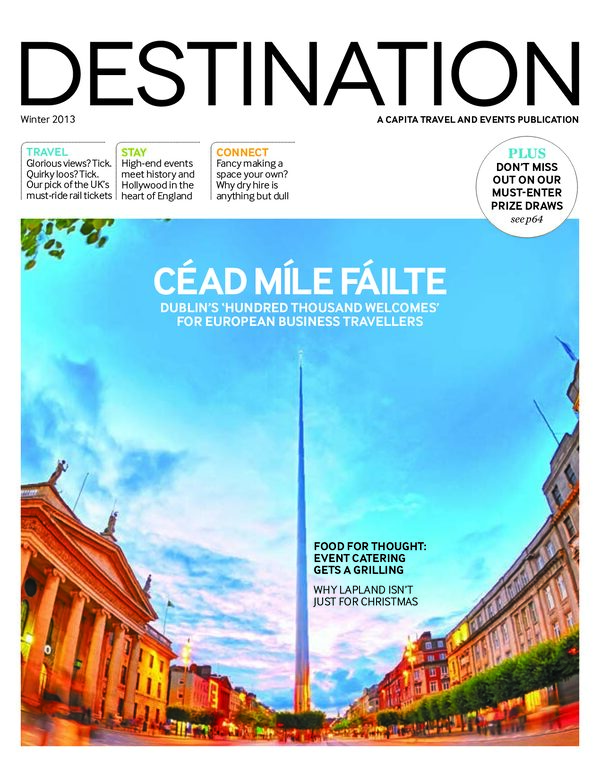
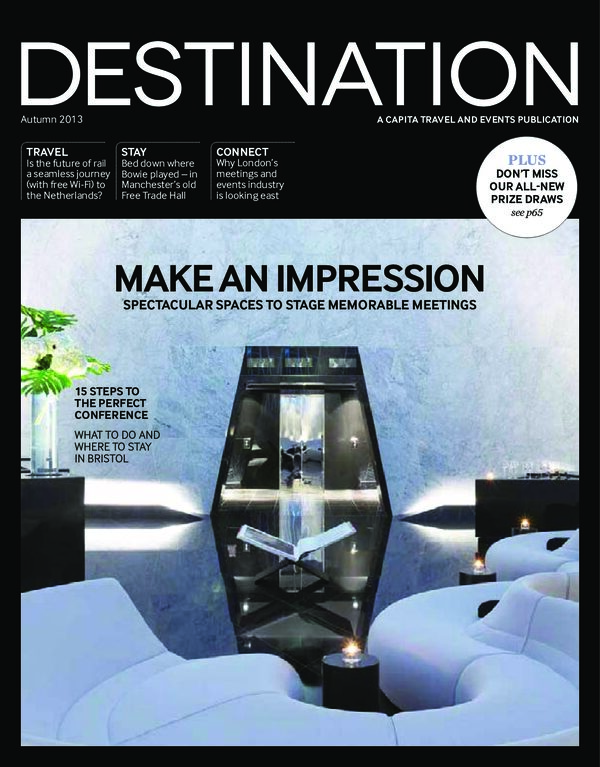
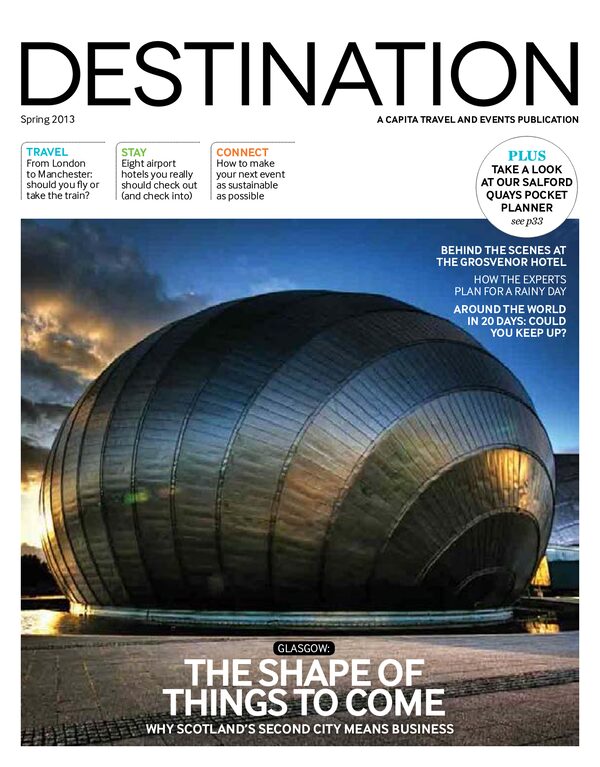
Bookshelf Flipbook Examples
Organize related flipbooks on a realistic digital bookshelf so readers can browse a whole collection from one place. Click any cover to open a live preview, then build the same branded library for your own catalogs, magazines, or reports.






Engagement that sticks
Why flipbooks work better
A static PDF is easy to open — and just as easy to close. A flipbook gives readers a clear page-by-page journey that feels familiar, keeps attention, and makes your content look finished.
- Natural page turns People know how to flip through a magazine. That familiarity makes long documents feel lighter and easier to follow.
- Built for attention Each spread is a focused step, so readers spend more time with your story instead of skimming a never-ending scroll.
- Share-ready polish Send one link, embed it on your site, or open it on any device — your content looks intentional, not like an email attachment.
Templates
Flipbook Templates for Every Style
Seven professionally designed styles. Pick one, then customize colors, backgrounds, and logos to match your brand.


